



 Nederlands
 English



 Specialized Technical Support
4 stores in the Netherlands
 36-Month Warranty
on Refurbished
 Free Shipping
on All Orders
 Entrega em 24h
24-Hour Delivery



If you are looking for reliable, high-quality headphones, know that iServices is where you will find the best Earpods on the market.
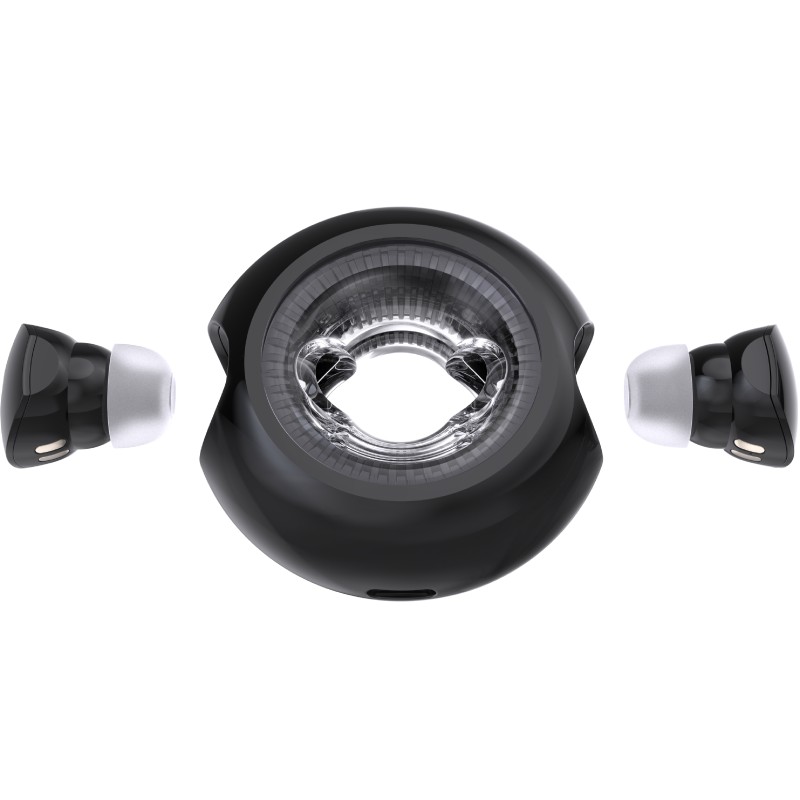
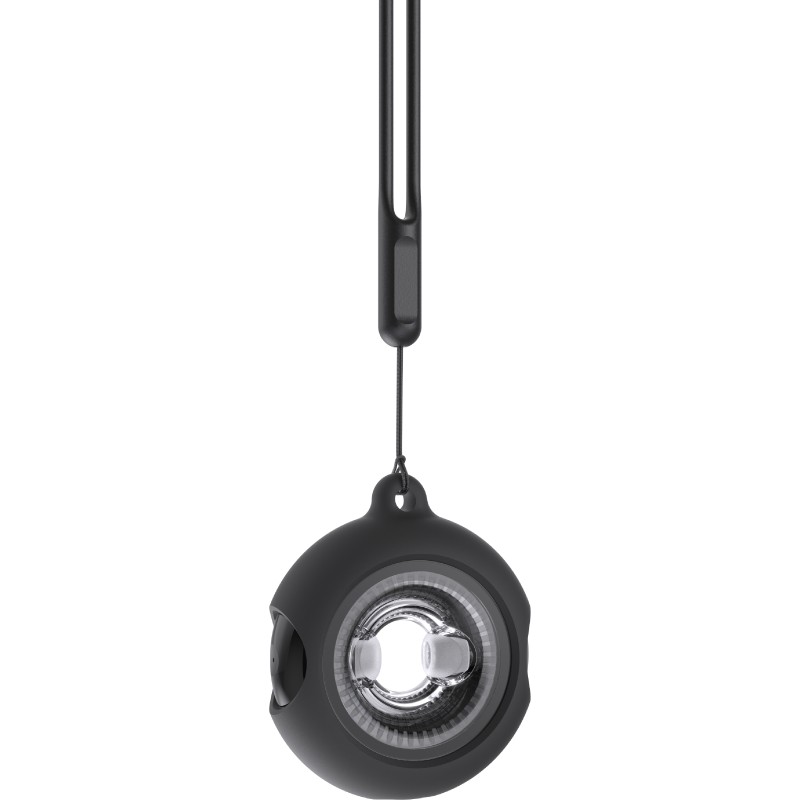
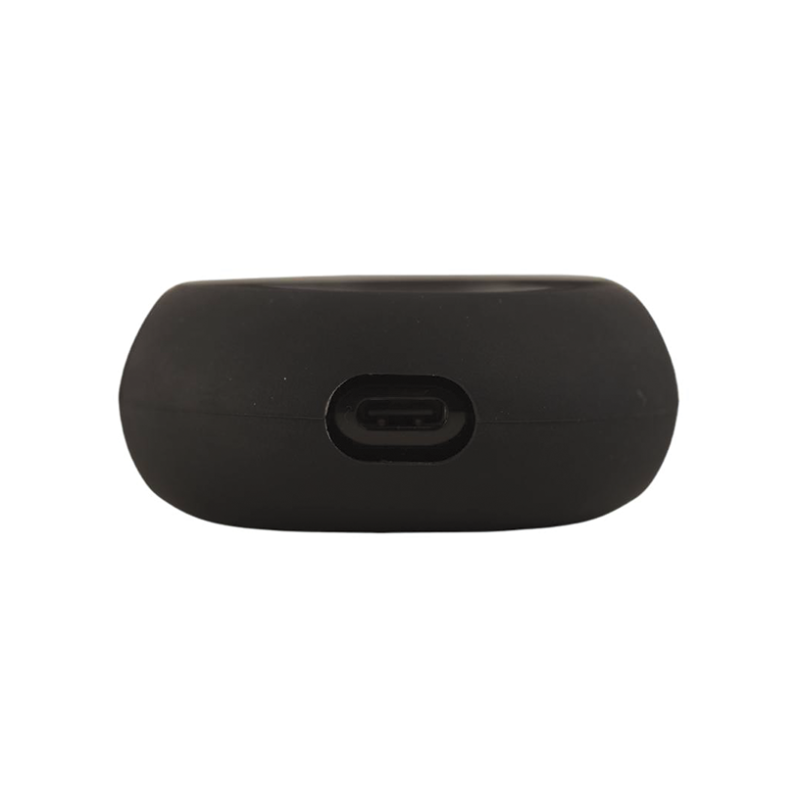
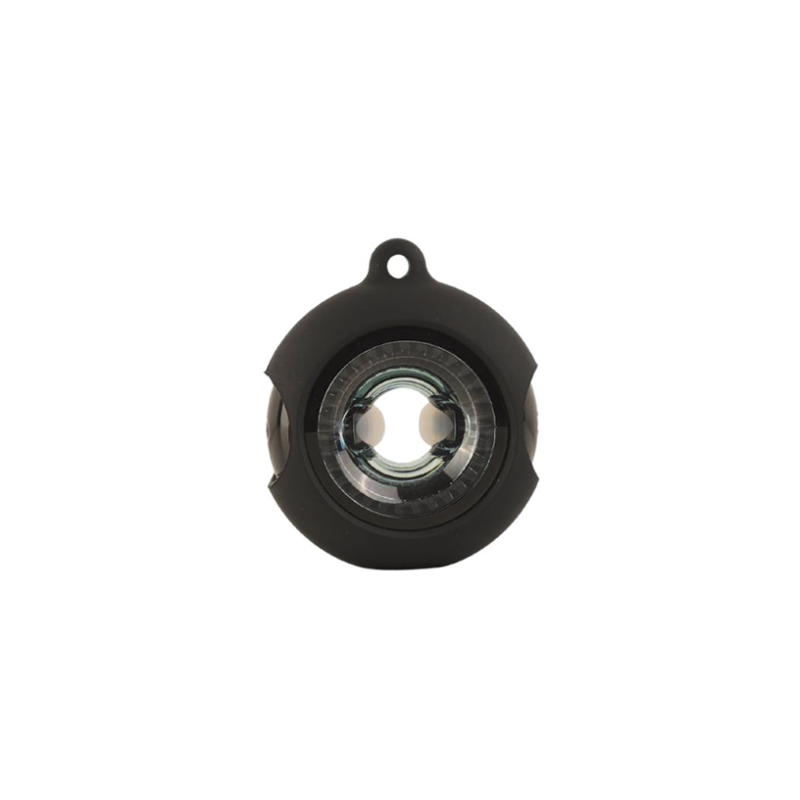
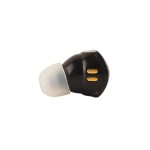
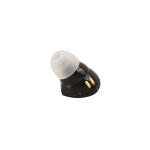
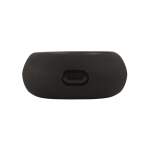
Color, lightness, good sound and an innovative design are some of the unique features that these Torus Earpods present. Choose the iServices solution to listen to your favorite music and podcasts. They are perfect for calls made with your iPhone. The iServices Torus Earpods come with a silicone case, where you can store the headphones as well as charge them thanks to the USB-C port and are available in 4 colors: black, white, blue and purple.
To connect these headphones to your iPhone, simply remove them from the case. Then, turn on bluetooth and search for “iS TorusPods” to pair them.
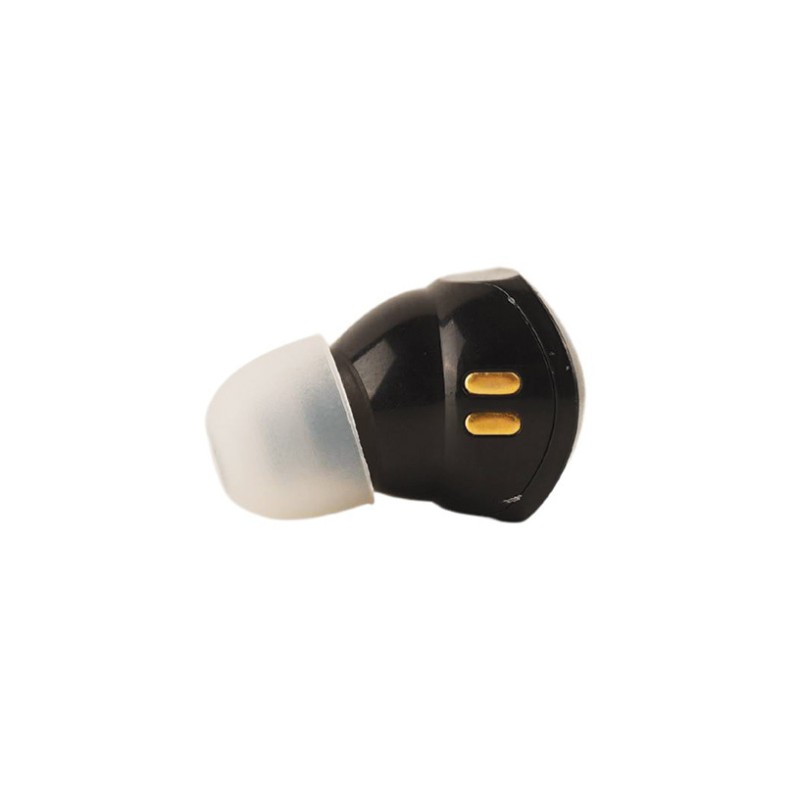
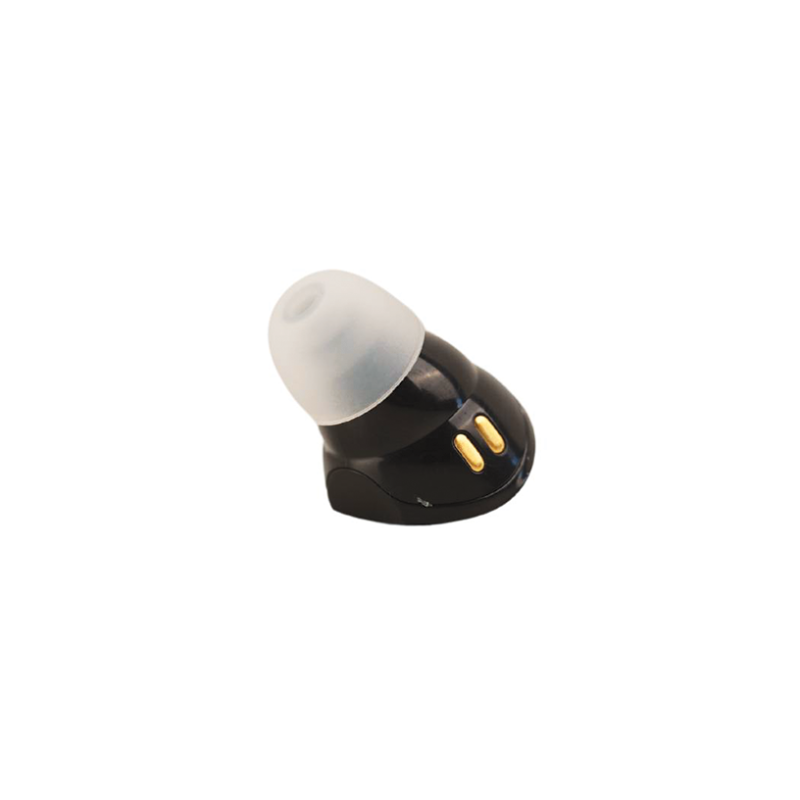
Using these Torus Earpods is very simple and intuitive. To turn them on, just remove them from the case and if there is no pairing, the headphones turn off after 3 minutes. Each of the headphones has a touch panel that is used to control, for example, the music you listen to. Tap any of the panels 3 times to return to the previous track, and 2 taps to go to the next track. With just one tap you answer a phone call, and with two you can end it. If you press for 2 seconds, you reject any call. To activate Siri, press any of the panels for 2 seconds.
In our store you will find the best selection of Headphones and Earphones with the best sound quality for calls as well as listening to your favorite music and Podcasts.

Data sheet