



• Bluetooth Headphones with Screen - iServices Online Store
    • Bluetooth Headphones with Screen - iServices Online Store
    • Bluetooth Headphones with Screen - iServices Online Store
    • Bluetooth Headphones with Screen - iServices Online Store
    • Bluetooth Headphones with Screen - iServices Online Store
    • Bluetooth Headphones with Screen - iServices Online Store
    • Bluetooth Headphones with Screen - iServices Online Store
    Bluetooth Headphones with Screen - iServices Online Store
    Bluetooth Headphones with Screen - iServices Online Store

    Bluetooth Headphones with Screen

    €69.95
    Tax included
    Quantity
    Em stock
    Disponível - Entrega entre 2h a 24 horas (dias úteis)

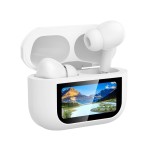
    Buy Bluetooth Headphones with Noise Cancellation and Touch Screen at iServices. These Bluetooth Earbuds are available in black and white.

    Discover Bluetooth Headphones with Screen

    These Wireless Headphones with Screen combine active noise cancellation, immersive sound, comfortable design and advanced features. An excellent choice for listening to music, podcasts or making calls with superior quality.

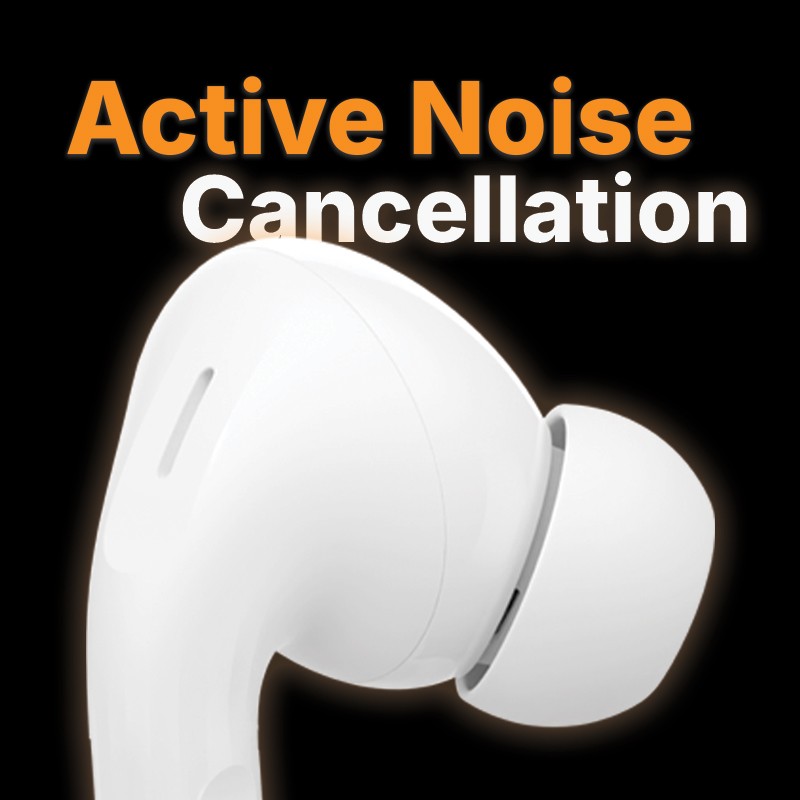
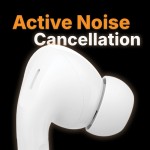
    • - Active Noise Cancellation (ANC): Reduces up to 99% of external noise for an interference-free experience.
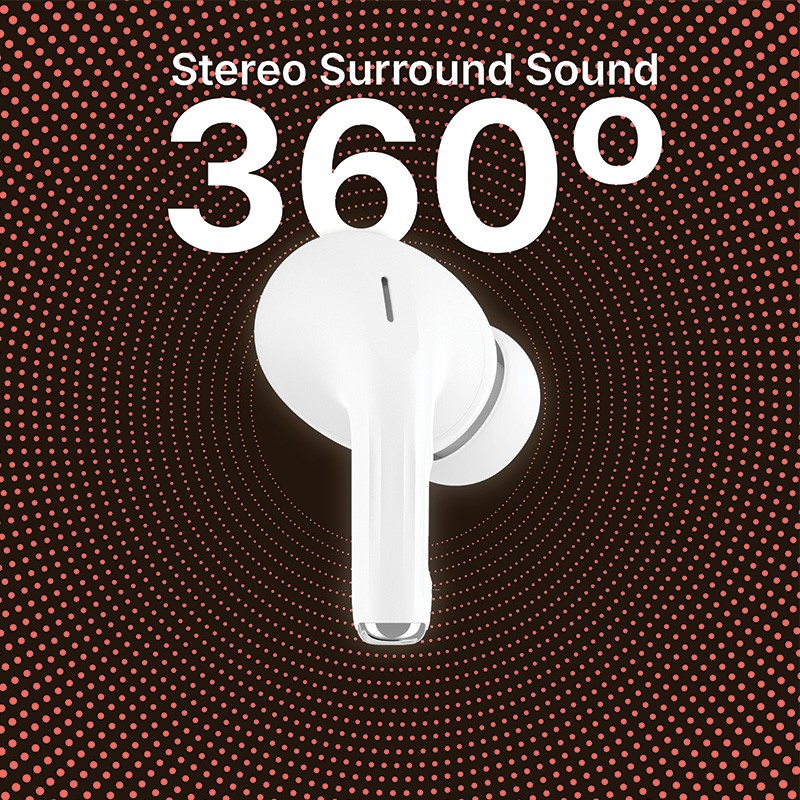
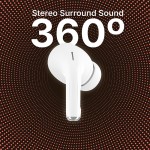
    • - 360° Stereo Surround Sound: Provides immersive sound quality, similar to that of a cinema or theatre.
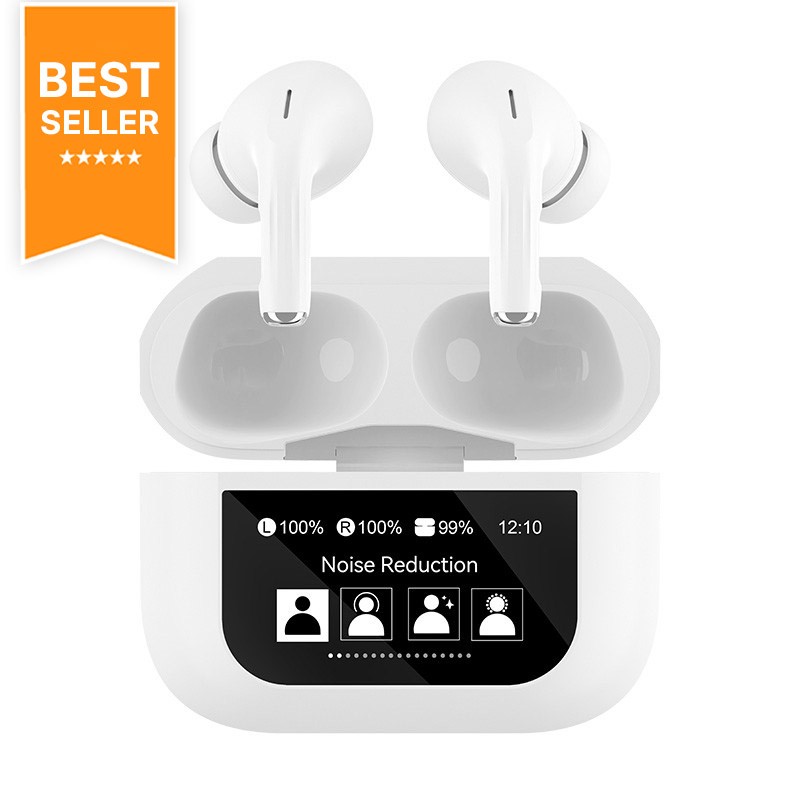
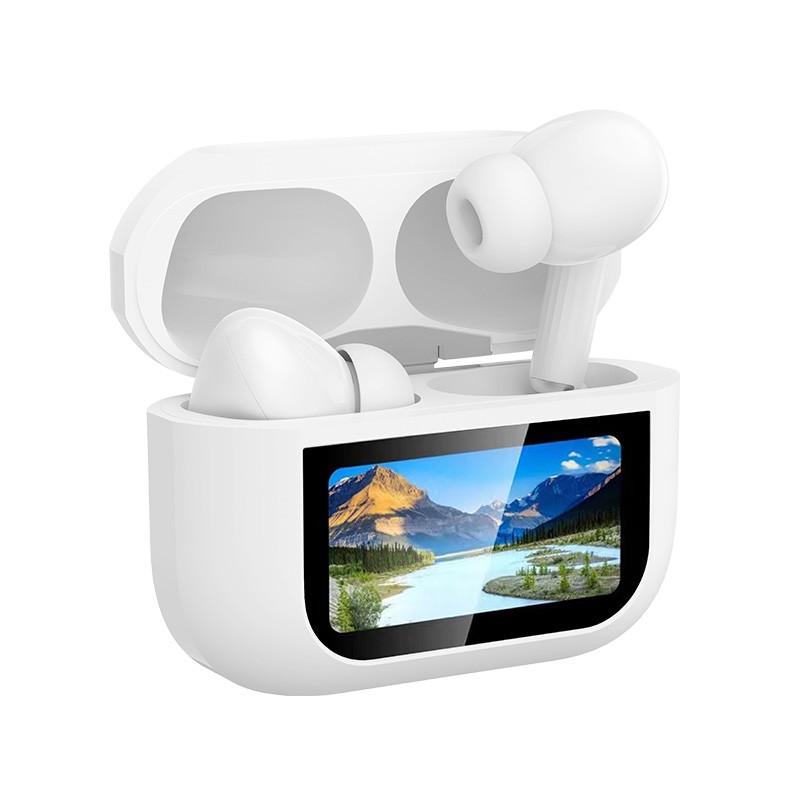
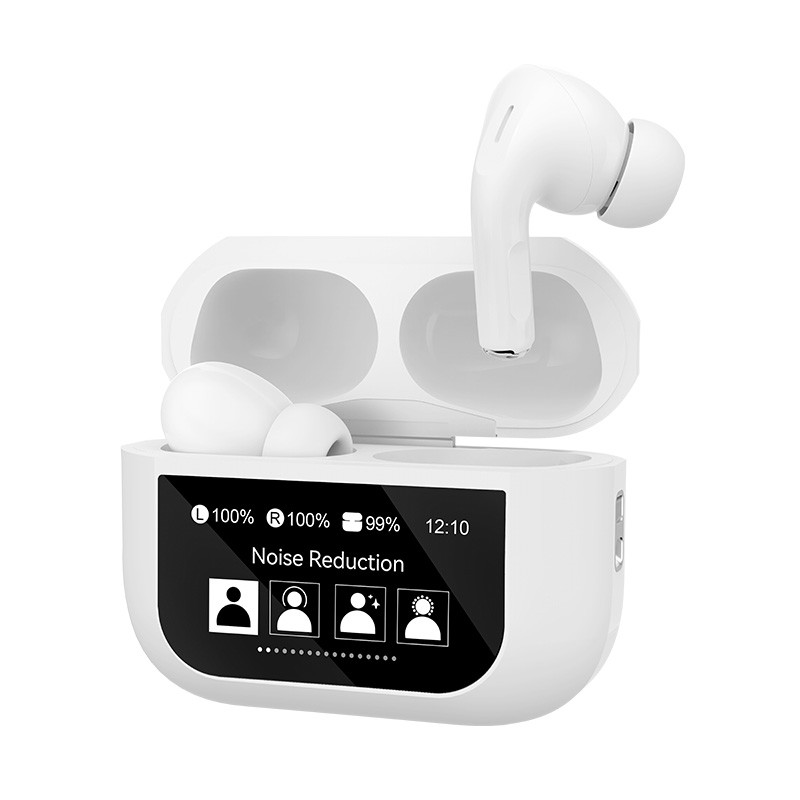
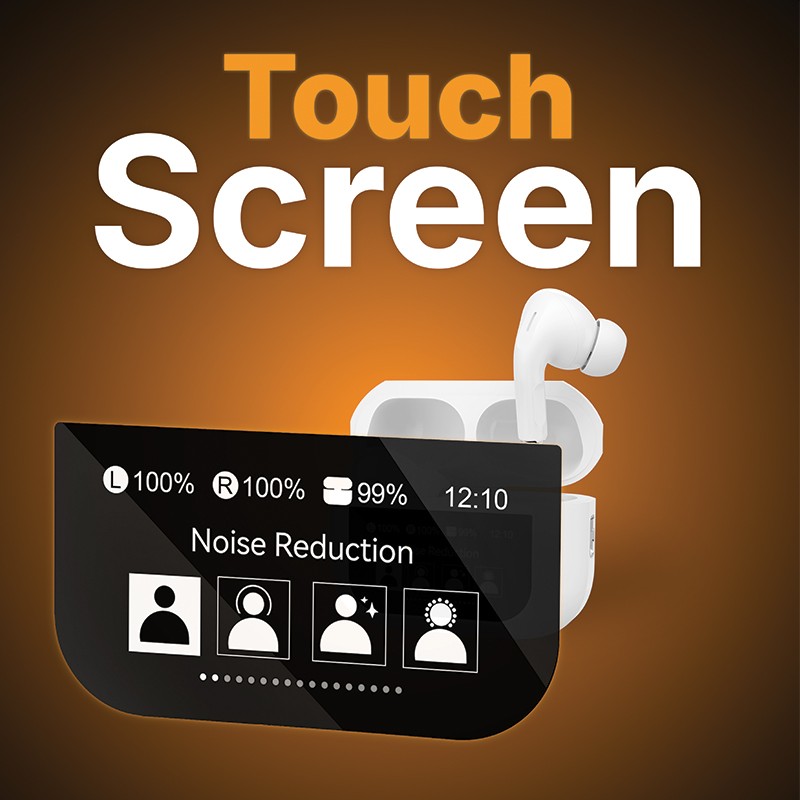
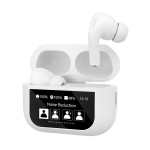
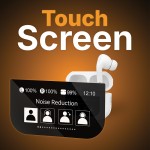
    • - Color LCD Touch Screen: Allows you to control all functions practically and intuitively.
    • - Long Battery Life: Fast charging through the case with USB-C port. Up to 4 times more battery life compared to the market average.
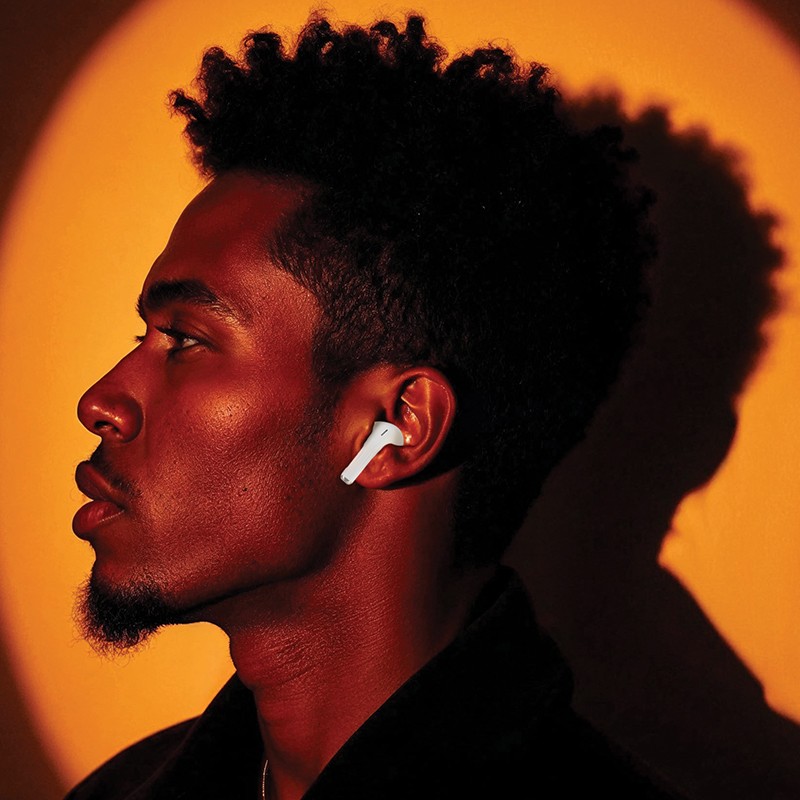
    • - Ergonomic and Comfortable Design: Stable and soft fit, ideal for prolonged use.

    The touch screen of the Bluetooth headphones ensures several functionalities that make your user experience personalized:

    • - Screen brightness: Adjust it for greater visual comfort, taking into account the conditions of the environment in which you are.
    • - Language: For more accessible use, select the language of your preference.
    • - Location: If you lose these bluetooth headphones, you will have the possibility to find them through an already included feature.
    • - Volume and Noise Cancellation: Through the screen you can adjust the volume to your liking and activate or deactivate noise cancellation.
    • - Alarm clock: To organize your day, program the alarm clock directly on the screen, facilitating the organization of your day.

    How to Connect the Headphones to Your Mobile Phone?

    • - Open the headphones case.
    • - Activate Bluetooth on your mobile phone or other device (tablet, computer, television).
    • - Select "Synchronize new device".
    • - Tap the name of the headphones in the device list.
    • - Follow the instructions on the screen to complete the connection.

    Explore the full range of headphones at the iServices Online Store. Trust the quality Headphones and Speakers you find at iServices, which aim to provide you with the best sound experience.

    How to install Bluetooth Headphones?

    The process of installing a Bluetooth headset is very simple. First, you need to activate Bluetooth on your equipment (Laptop, Smartphone, among others). Then put the headset into pairing mode. Finally, look for available headphones in the list to click and confirm the connection.

    How to use bluetooth headphones?

    To start using a Bluetooth headset, you must first activate Bluetooth on your device and put it in pairing mode. In the list of equipment available for this purpose, click on the equipment and the connection will happen to start listening to your music or podcast. On subsequent occasions, the headset connection will be automatic.

    IS302921

    Data sheet

    Cor
    Branco
    Conectividade
    Bluetooth True Wireless
    Autonomia
    6h (pods), 30h (caixa)
    Controlo de Volume
    Sim
    Compatibilidade com Assistente Virtual
    Sim
    Auriculares
    Sem fios
    You might also like