


 Nederlands
 English


 Assistência Técnica Especializada
75 Lojas em Portugal
 36 Meses de Garantia
Em Recondicionados
 Portes de Envio Grátis
Em todas as encomendas




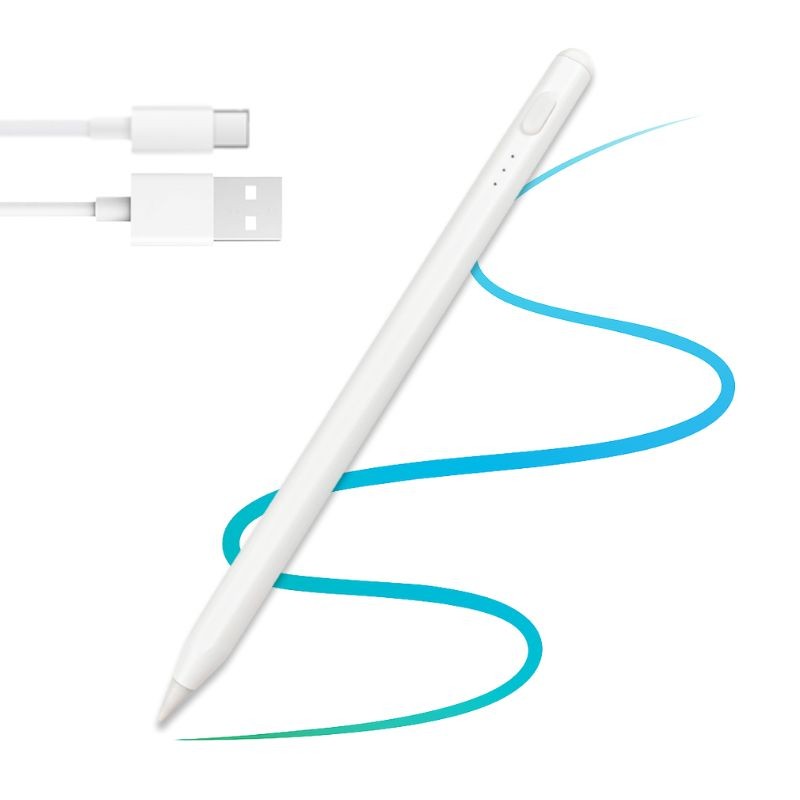
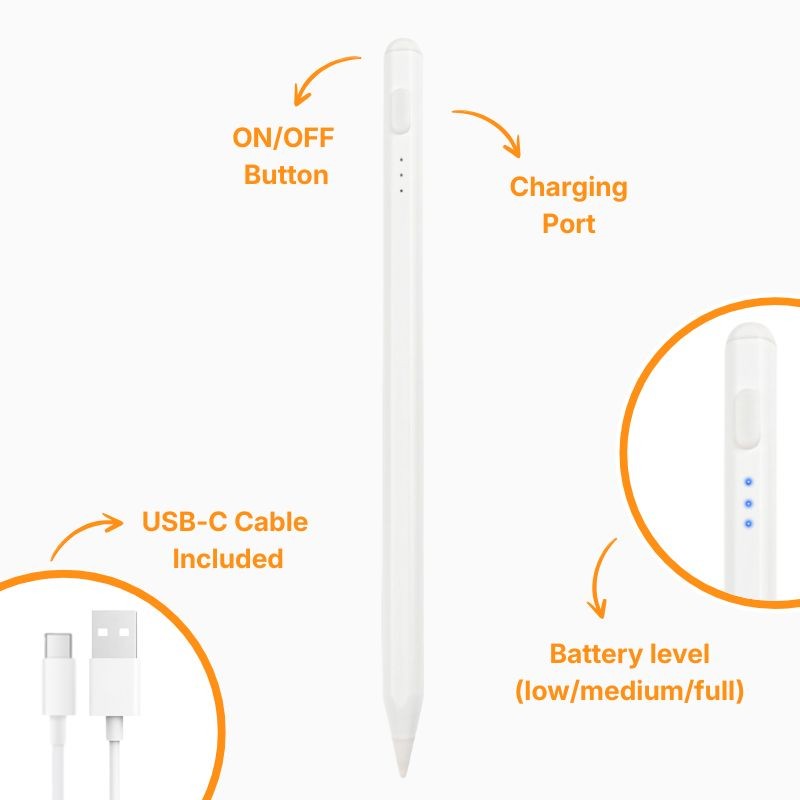
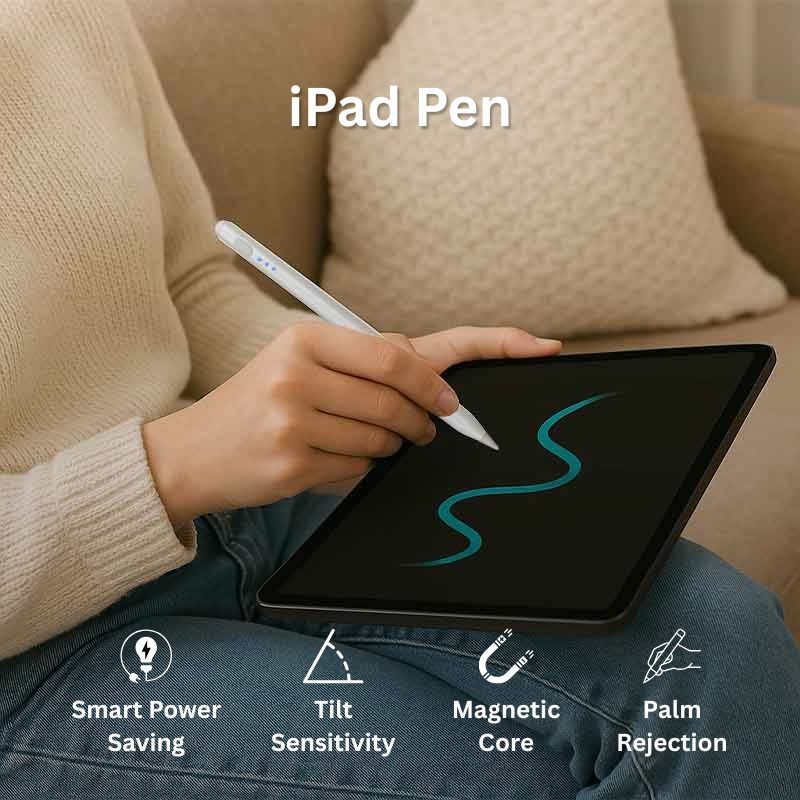
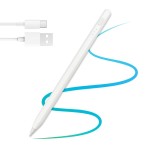
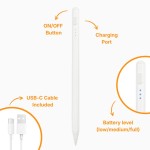
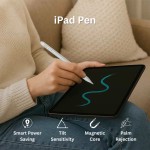
Introducing the iServices iPad Pen, the ideal accessory for those who want to increase productivity by enhancing creativity, but also simple functions such as taking notes and browsing the internet.
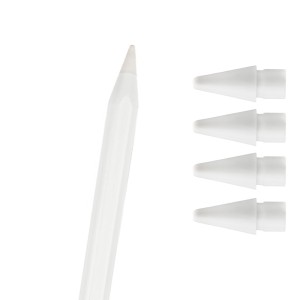
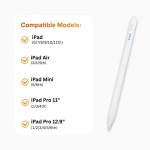
Compatible with a wide range of iPads, this Pen provides a perfectly fluid and natural user experience through its rubber tip. And if for any reason you need it, at iServices you can find iPad pen tips, also compatible with various models.
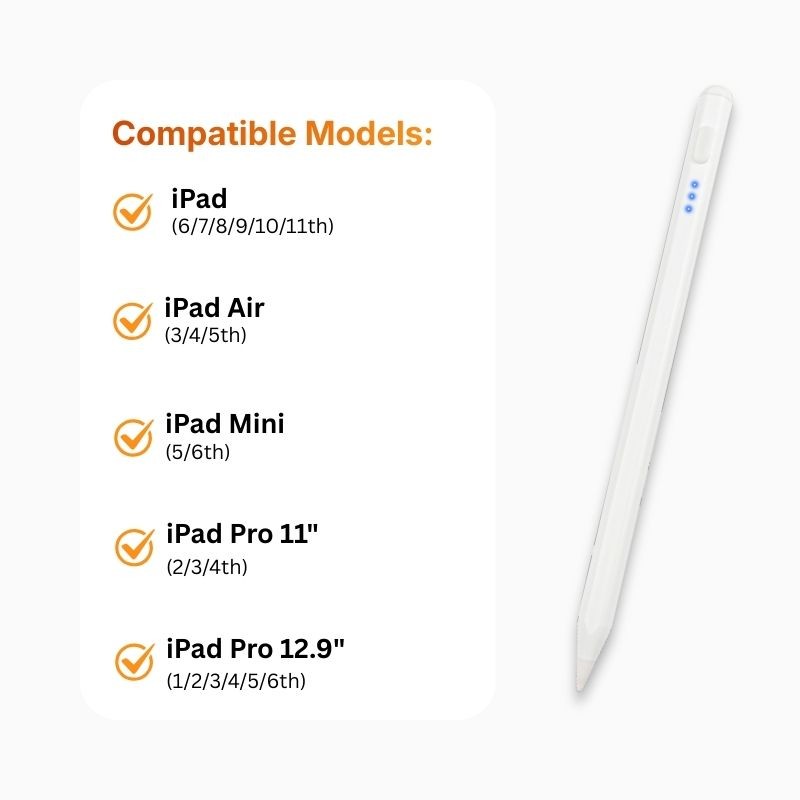
The iServices iPad Pen is compatible with the following Apple iPad models:
Drawing on the iPad with this pen is very simple and intuitive. To begin, you will need to open a compatible application such as Notes, Procreate or Adobe Fresco. Then, choose the drawing tool and start creating whatever you want. The main trick is to keep the pen tip on the screen and take advantage of, for example, pressure sensitivity to feel greater precision as well as comfort when drawing.
To start writing with this pen on your iPad, you will need to open a compatible application such as Notes, GoodNotes or Notability. The next step is to select the writing tool and voila, you can write whatever you want on the tablet screen.
As you can see, this iPad pen is the best option for creative professionals, but also for students or if you are simply at leisure and want to get the most out of your iPad. Take the opportunity to discover the iServices Refurbished iPads with a 3-year warranty as well as all our Gadgets which are accessories that have everything to improve your technology experience.

Data sheet