


 Nederlands
 English
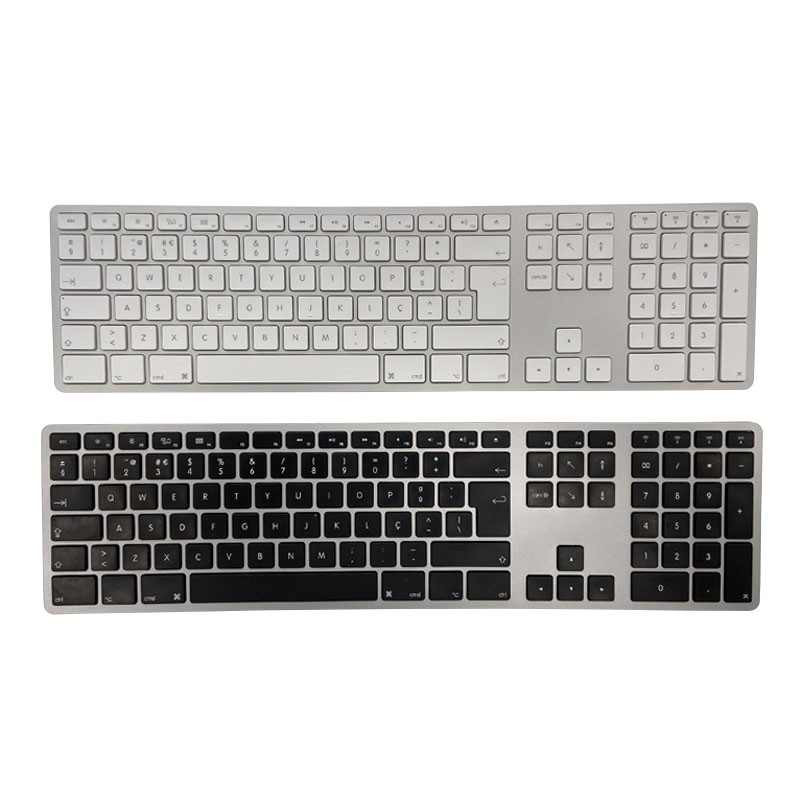
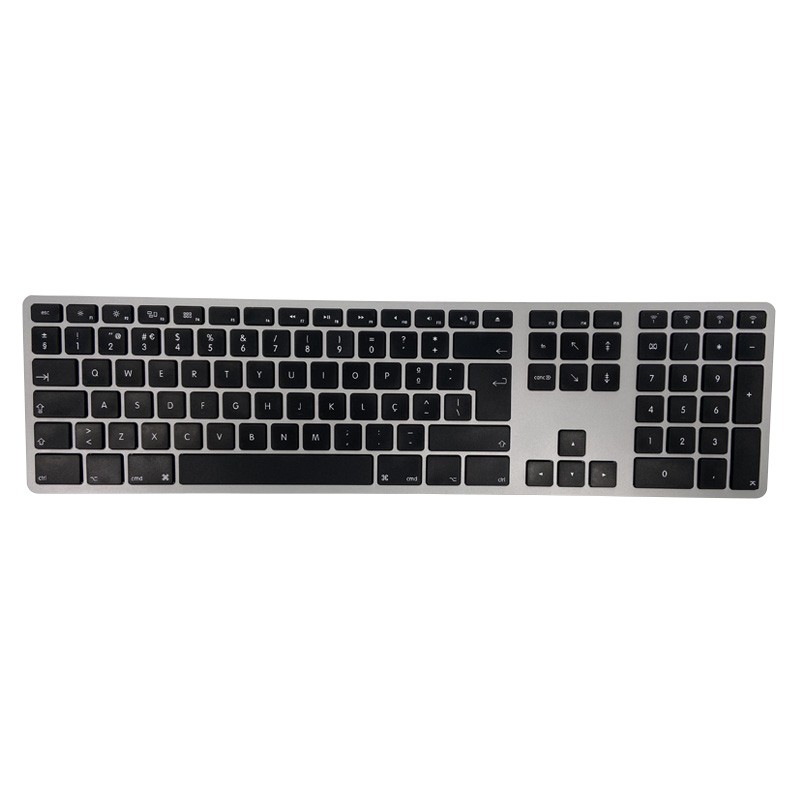
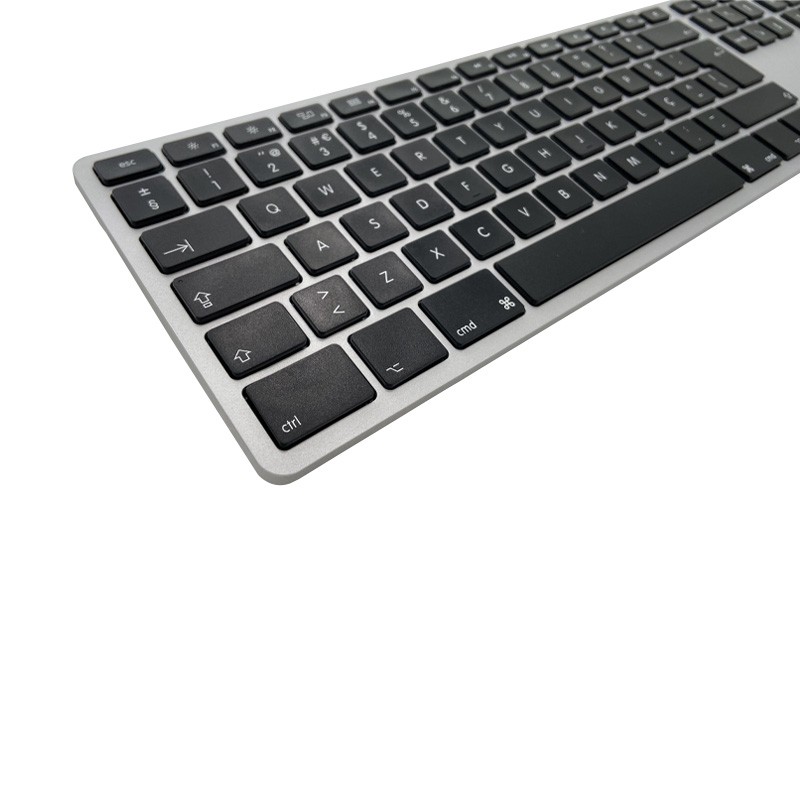
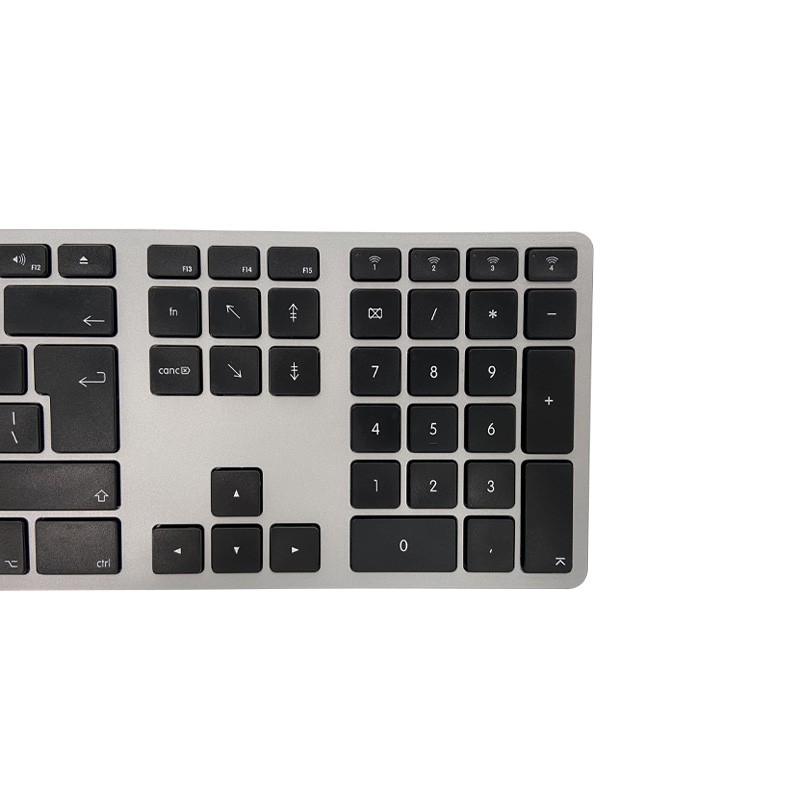
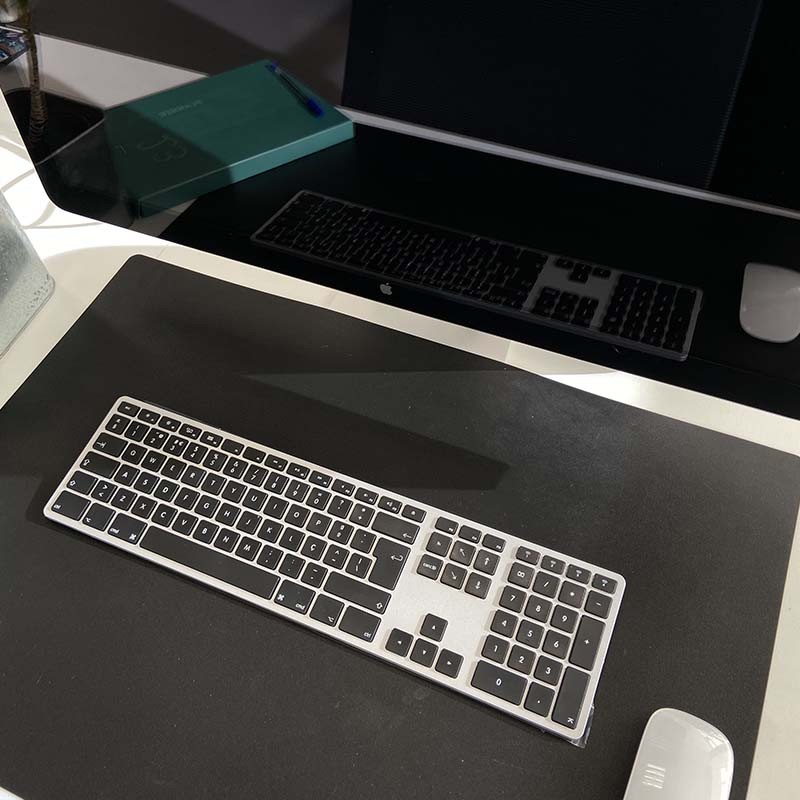
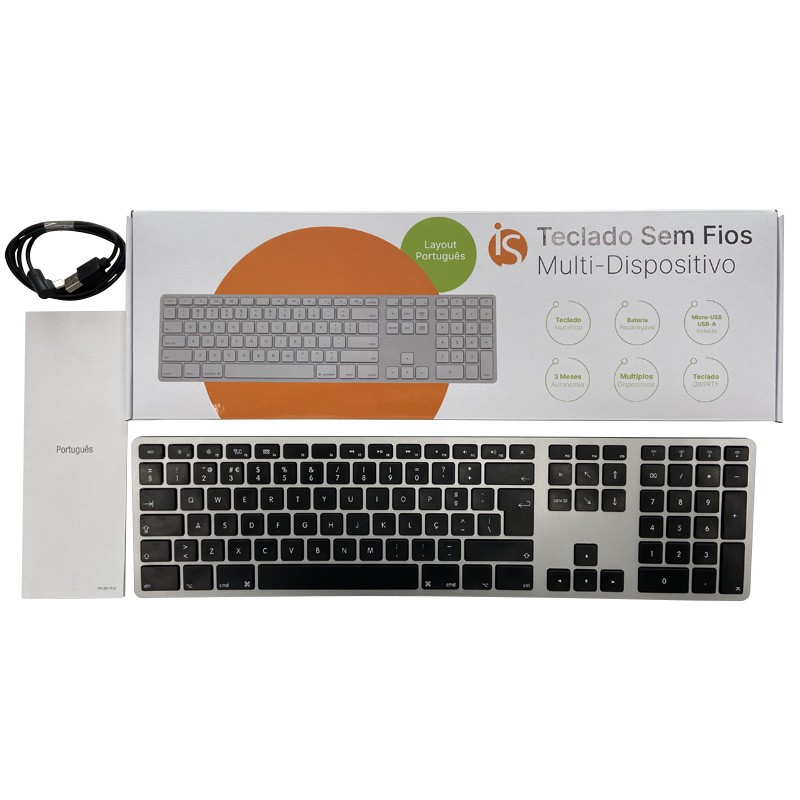
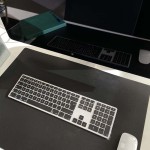
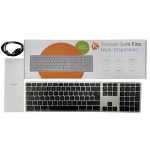
The iServices Wireless Keyboard is the perfect accessory to increase productivity. We highlight the following:

 Specialized Technical Support
4 stores in the Netherlands
 36-Month Warranty
on Refurbished
 Free Shipping
on All Orders
 Entrega em 24h
24-Hour Delivery



⌨️ Bluetooth Connection
With this wireless keyboard, you can easily pair it with a Macbook, Windows computers, as well as iOS, Android devices, and/or tablets without cables.
🛋️ Minimalist Design
Thanks to the slim and discreet layout, this keyboard adapts to any office or home desk.
🔋 Long-Lasting Battery
This is a low-consumption peripheral, providing autonomy of up to 3 months, minimizing the need for charging.
🌐 Compatibilities
Accessory that works via Bluetooth with various equipment such as Macbook, Windows laptop, tablets, but also Android or iPhone smartphones.
✨ Easy to use
Pairing this equipment is simple and intuitive, allowing you to start writing in seconds.
💻 Remote Work or in the Office
Wireless keyboard is quite comfortable to be used every day at your job.
✍️ Academic Life
Perfect for students or those who make writing their life and need comfort.
📱 Bluetooth
Connect this equipment without the need for wires to various devices such as computers, tablets, smartphones, among others.
The whole process is very simple, just turn on the keyboard and pair it via Bluetooth. Whether on a laptop, tablet, or smartphone, go to Bluetooth settings and look for the keyboard you want to connect.
You can buy the wireless keyboard at iServices, either in one of our physical or online stores. Take the opportunity to get to know the iServices computer accessories to complete and equip your setup in the best way.

Data sheet